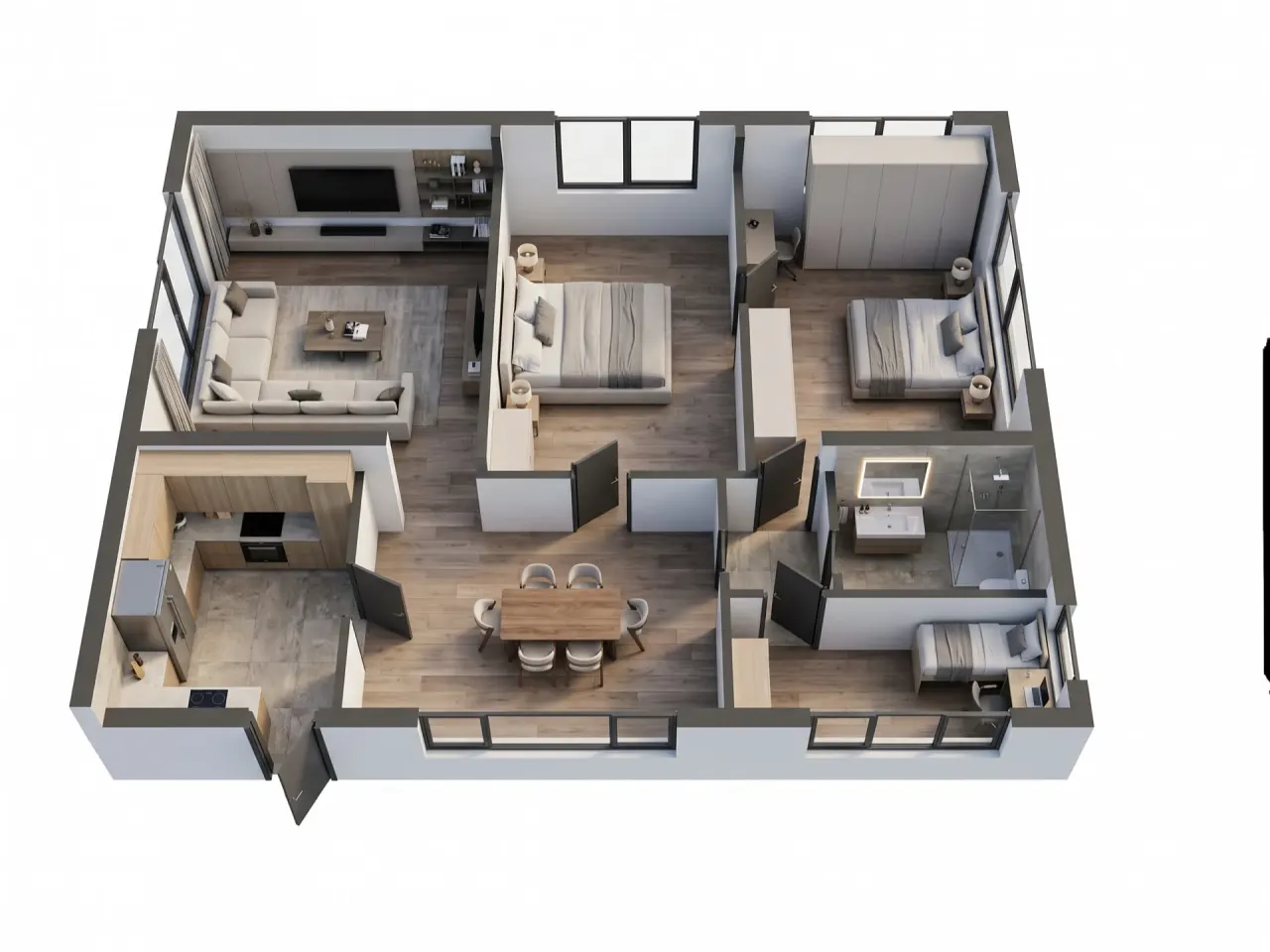
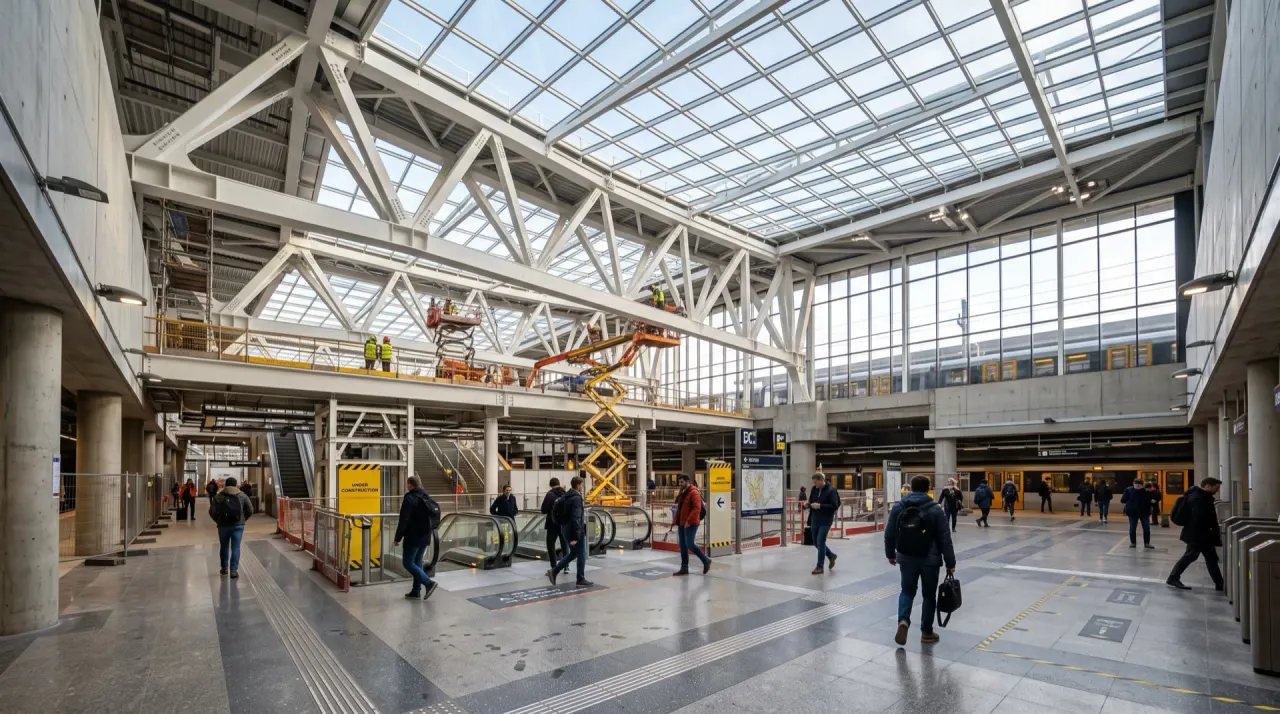
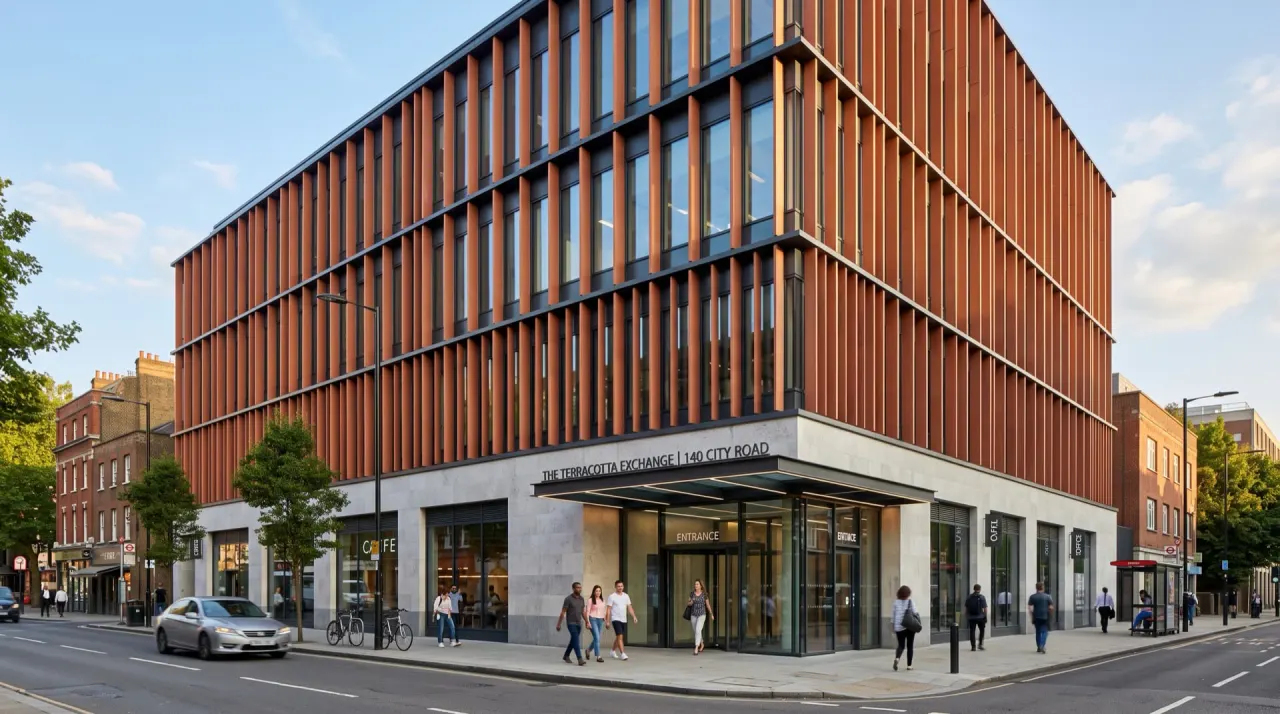
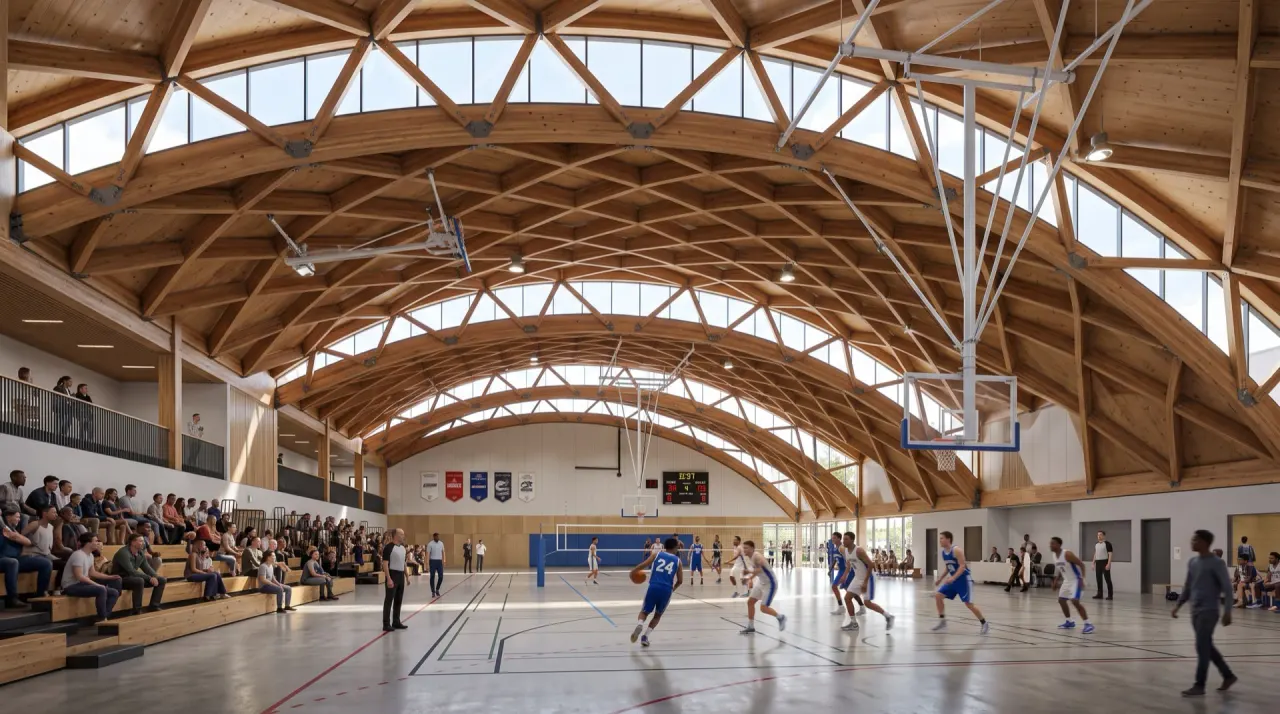
For interior designers and fit-out studios

Your design, brought together.

Explore your model, compare finishes and prepare a material schedule. Keep AI presentation visuals alongside the design, in one project. Built in Dubai for studios everywhere.

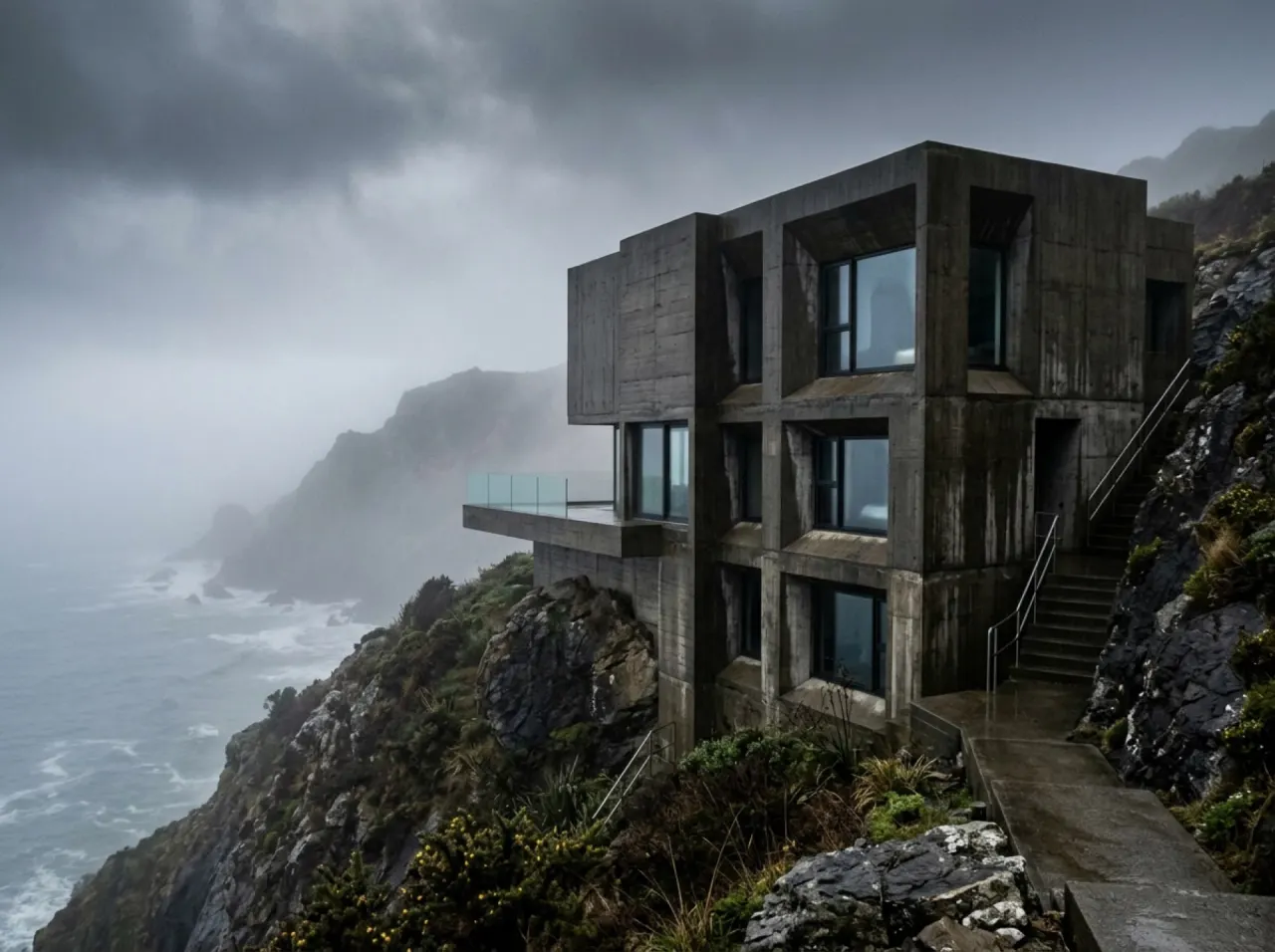
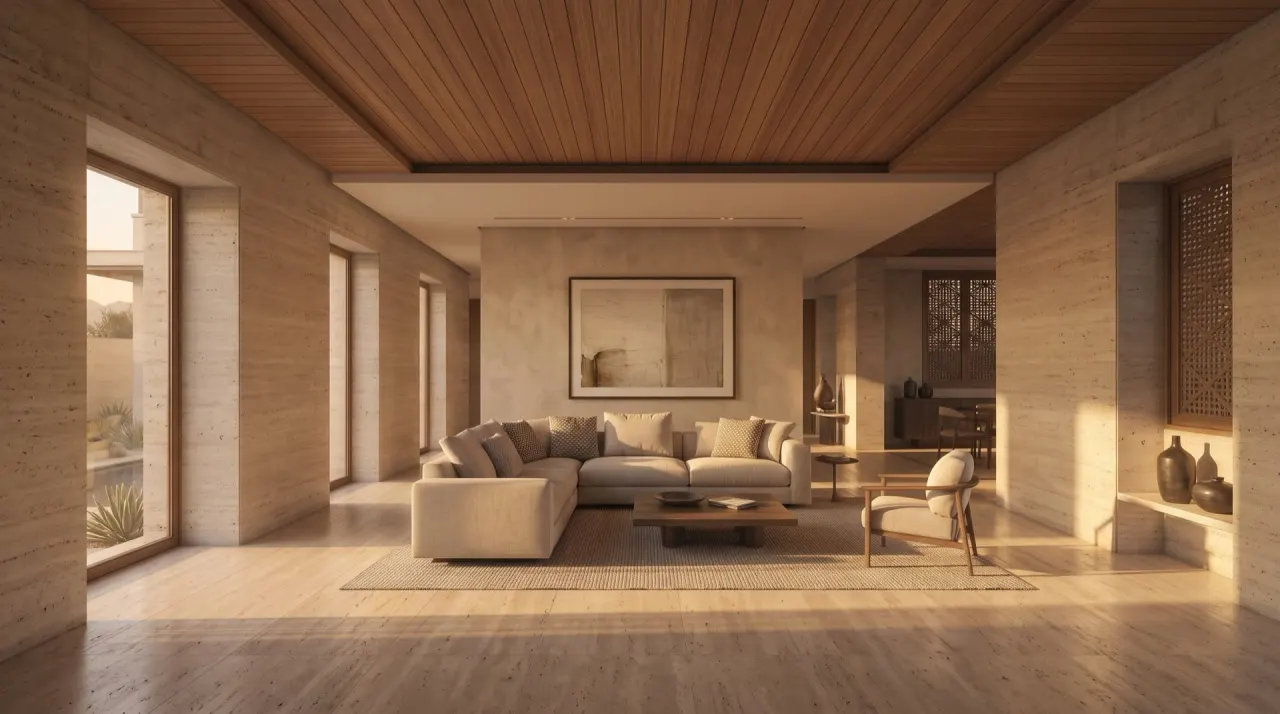
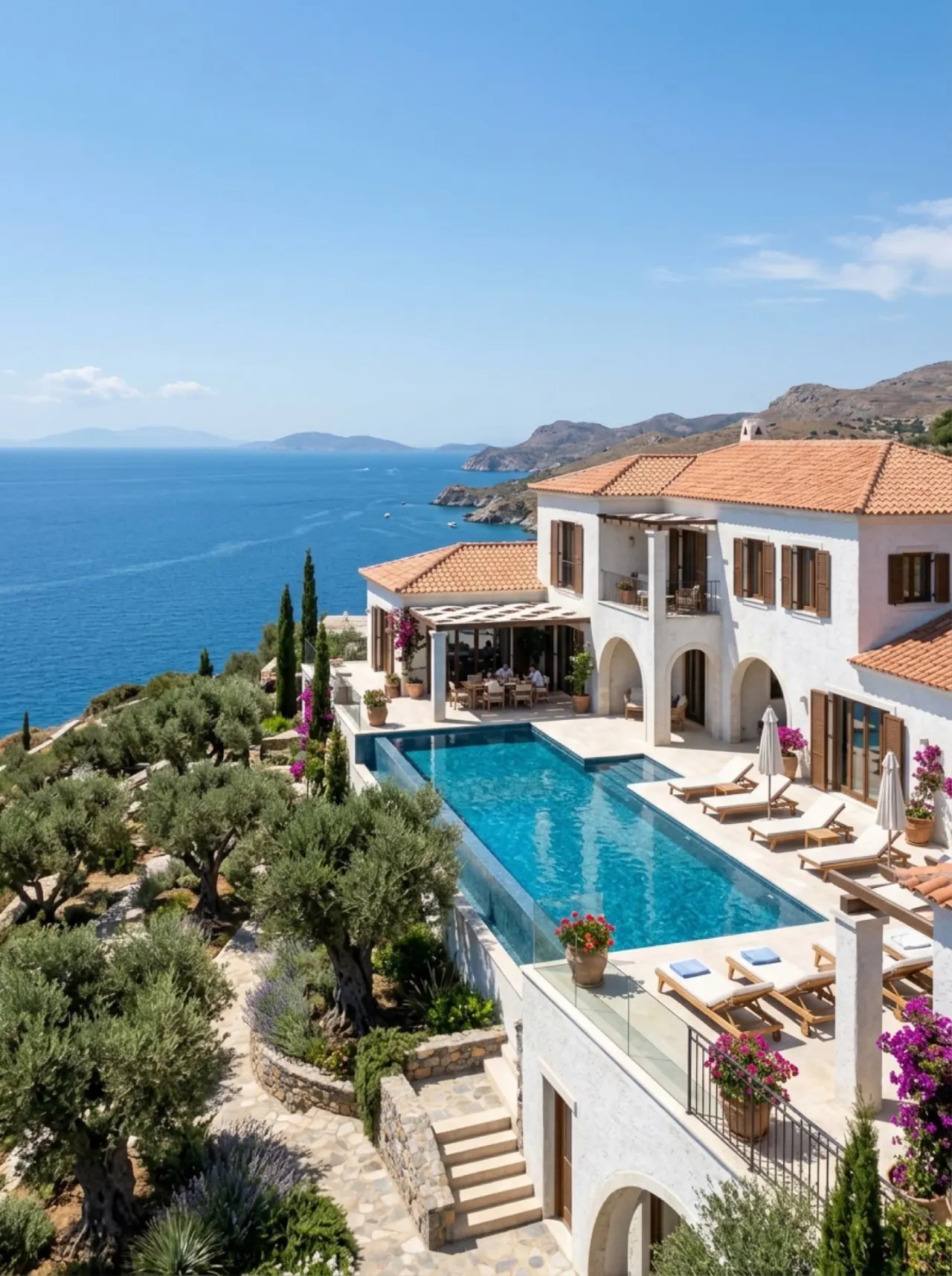
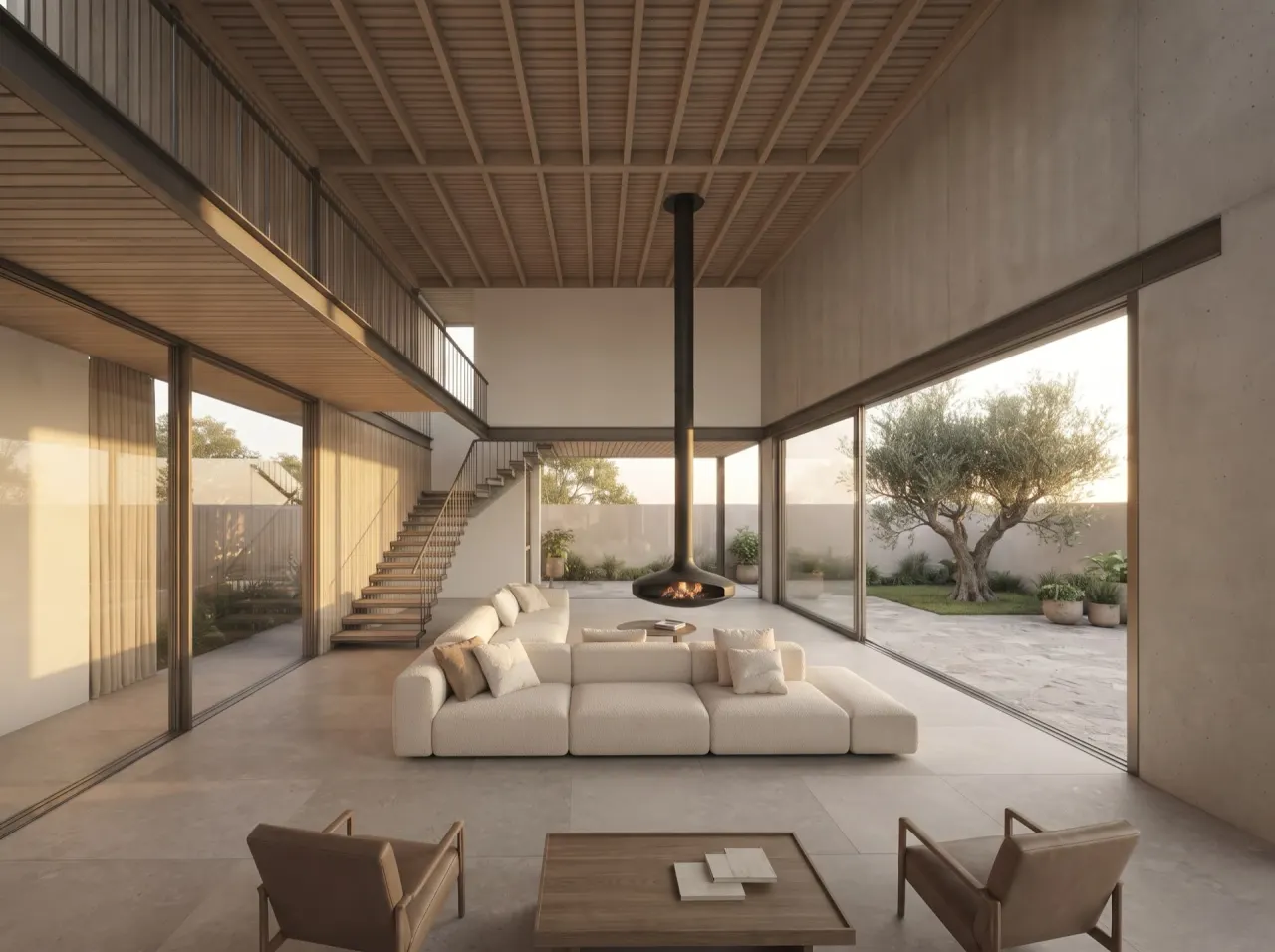
No card needed. Every image and clip on this page was made in ArchiStudio.

An AI concept film, ready to review against your design.

Made with Walkthrough

Tools

Ten tools. One project.

From early ideas to presentation visuals, keep your references, models and material choices in the same project. Compare AI results with your source before sharing.

Sketch to render

From the napkin to the client deck.

The sketch is the reference, not a suggestion. Drag the handle: the massing, the openings and the camera are the ones you drew.

RenderSketchSketchRender

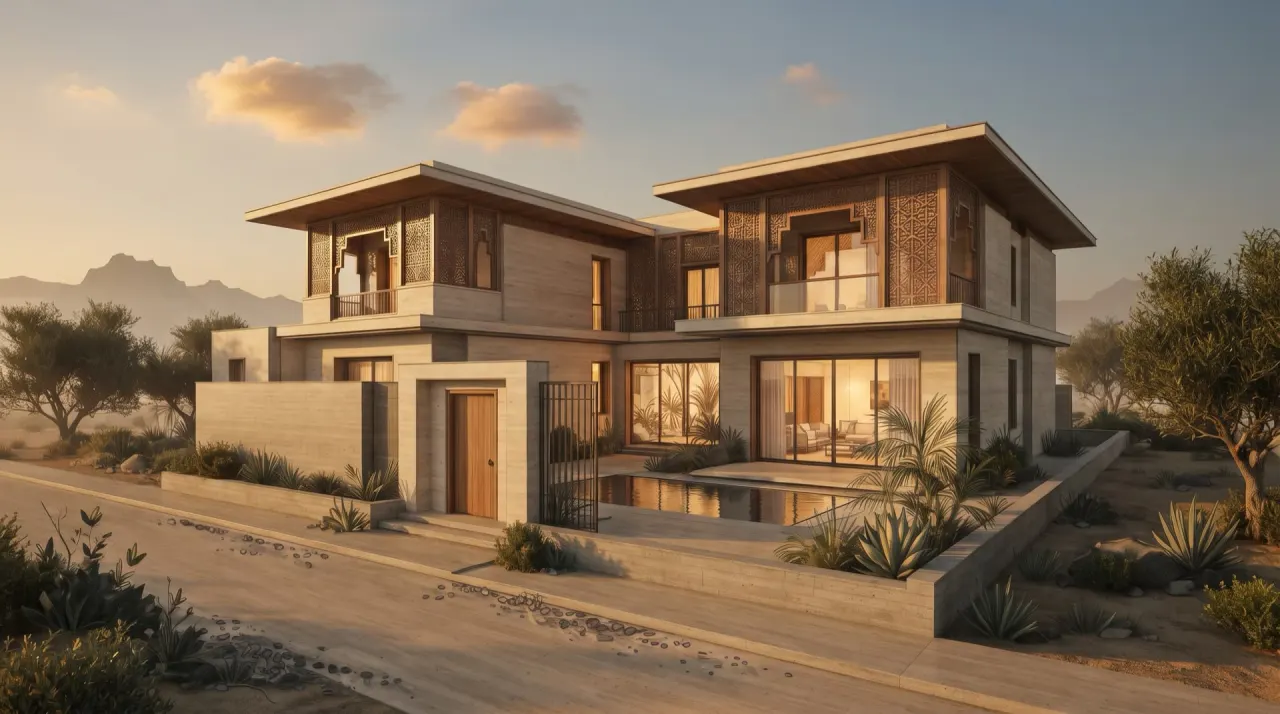
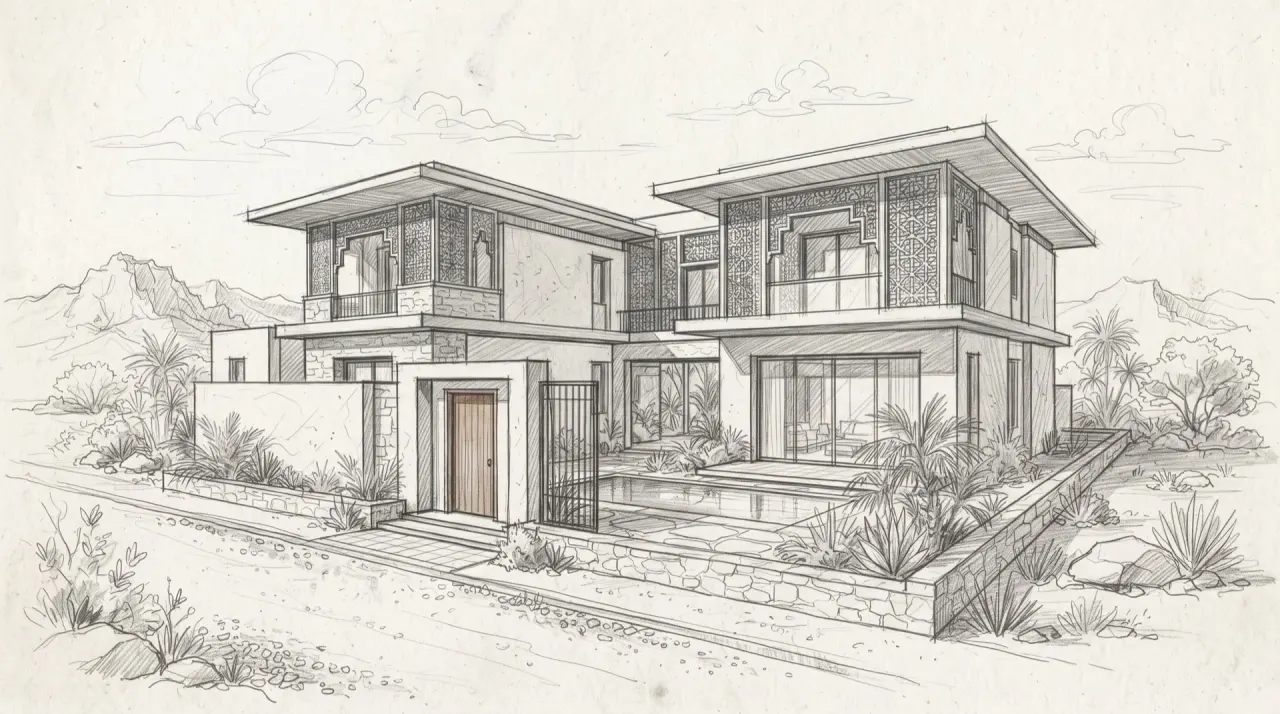
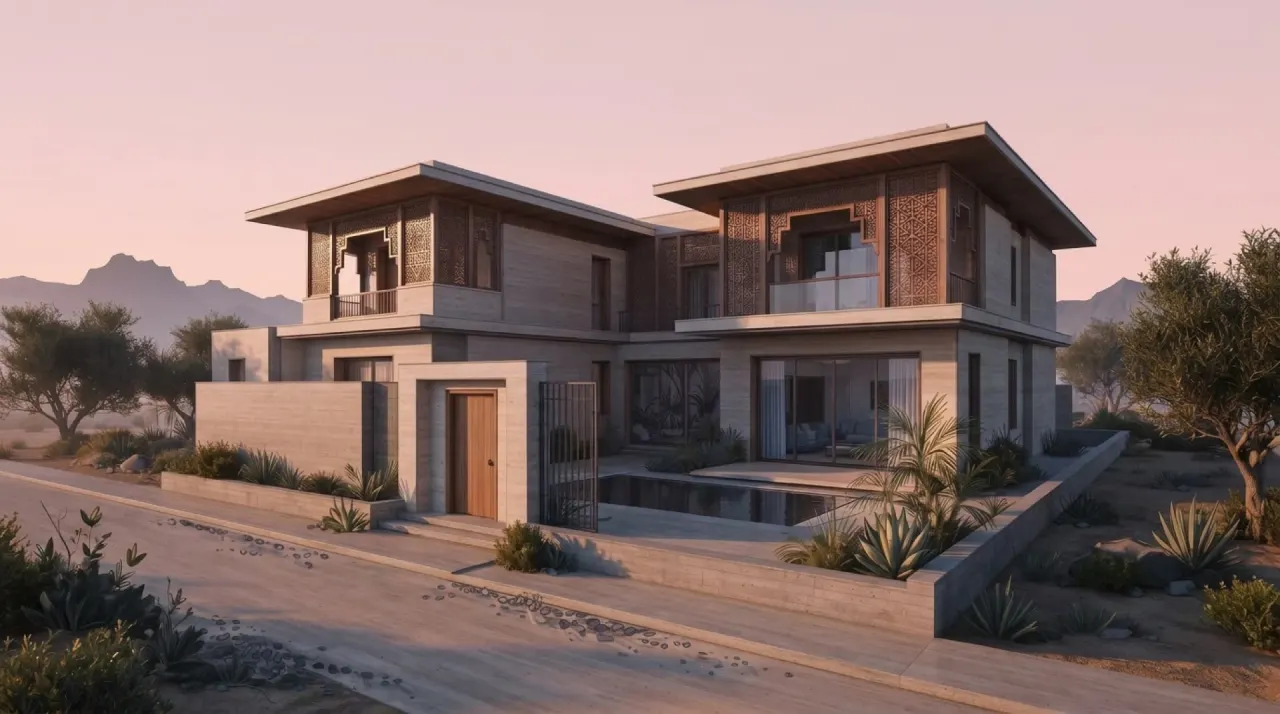
Strict adherence, same camera. Drag the handle and check the openings, the roof line and the pool edge.

RenderSketchSketchRender

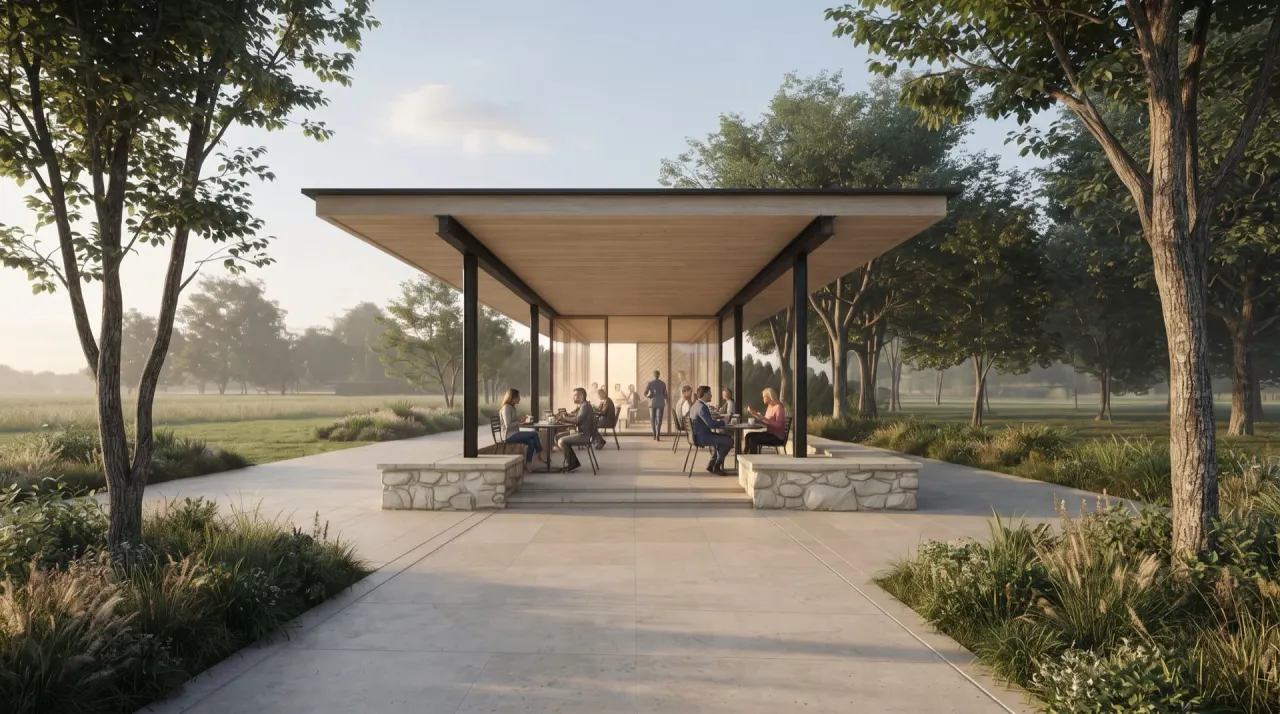
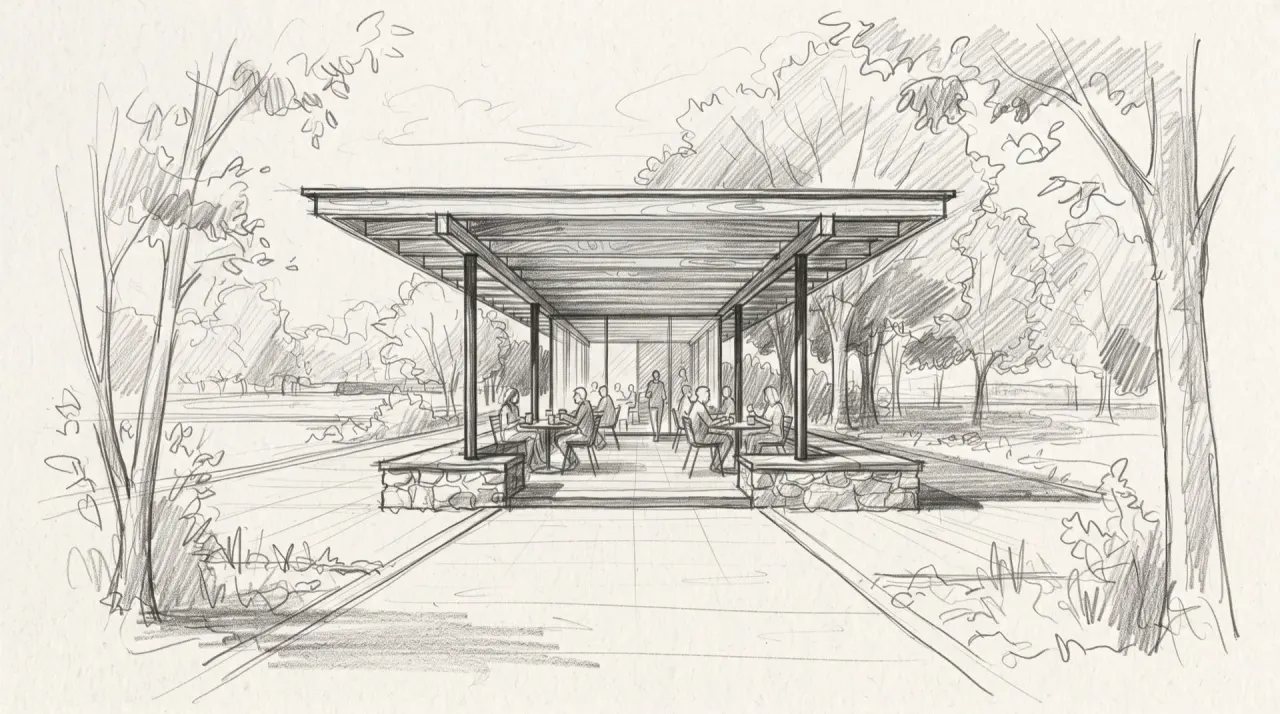
Park pavilion, pencil → render. Timber roof, steel columns, morning light.

EnhancedClay viewportClay viewportEnhanced

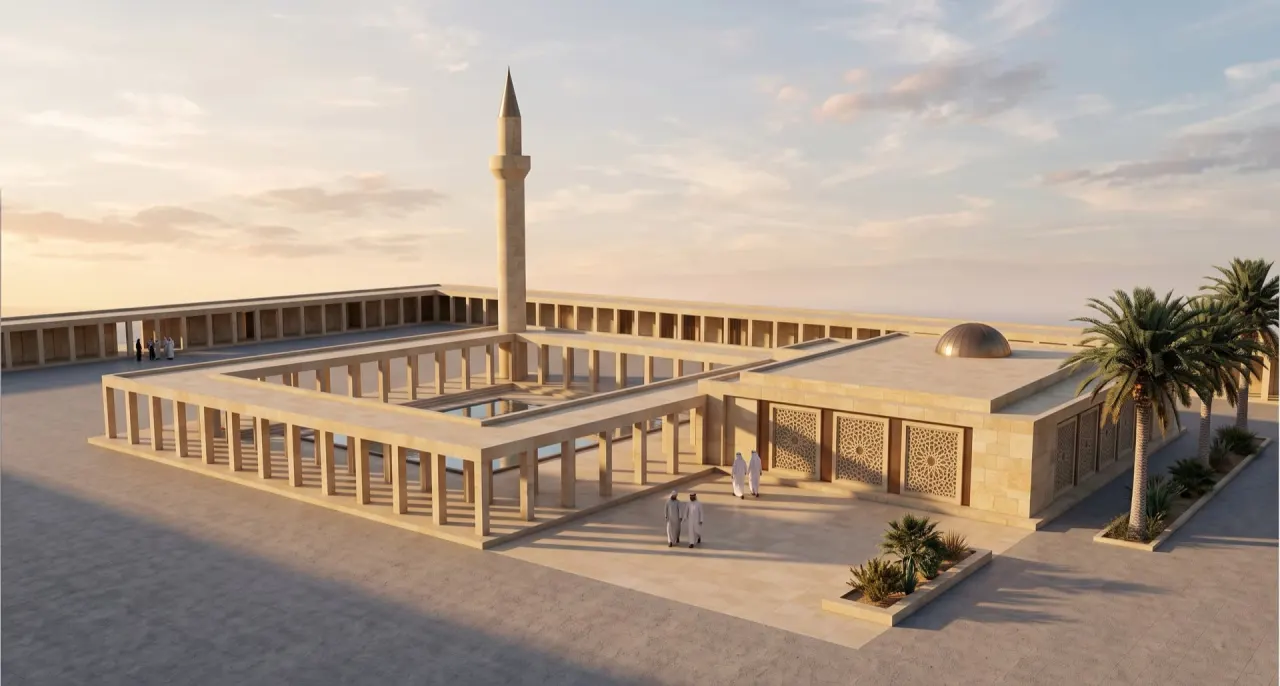
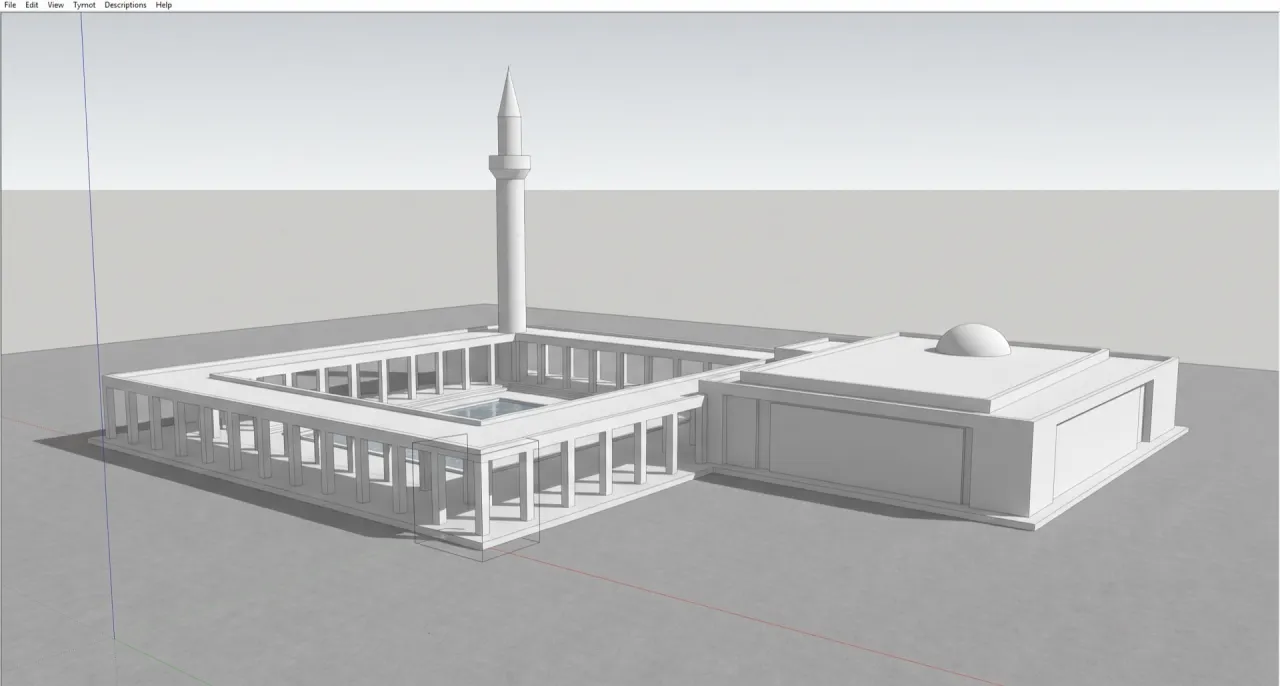
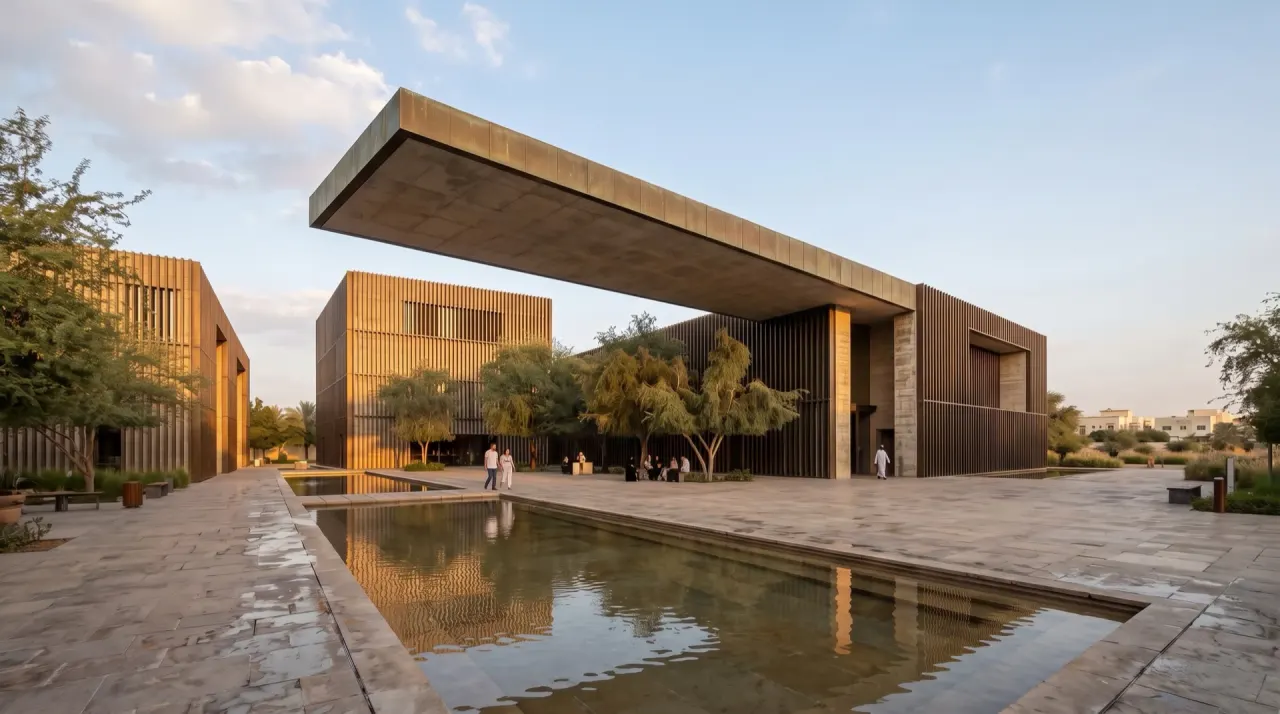
Untextured viewport → Enhance. Limestone, GRC screens, Gulf light.

Engines

The strongest engines, one studio.

Speed, quality and the credit price, before you press the button. Failed generations are refunded.

speed quality credits per generation

Try the video engines

Explore the image engines

Variants

One view. Every hour.

Explore four lighting options from one render. Compare the generated details before your client meeting.

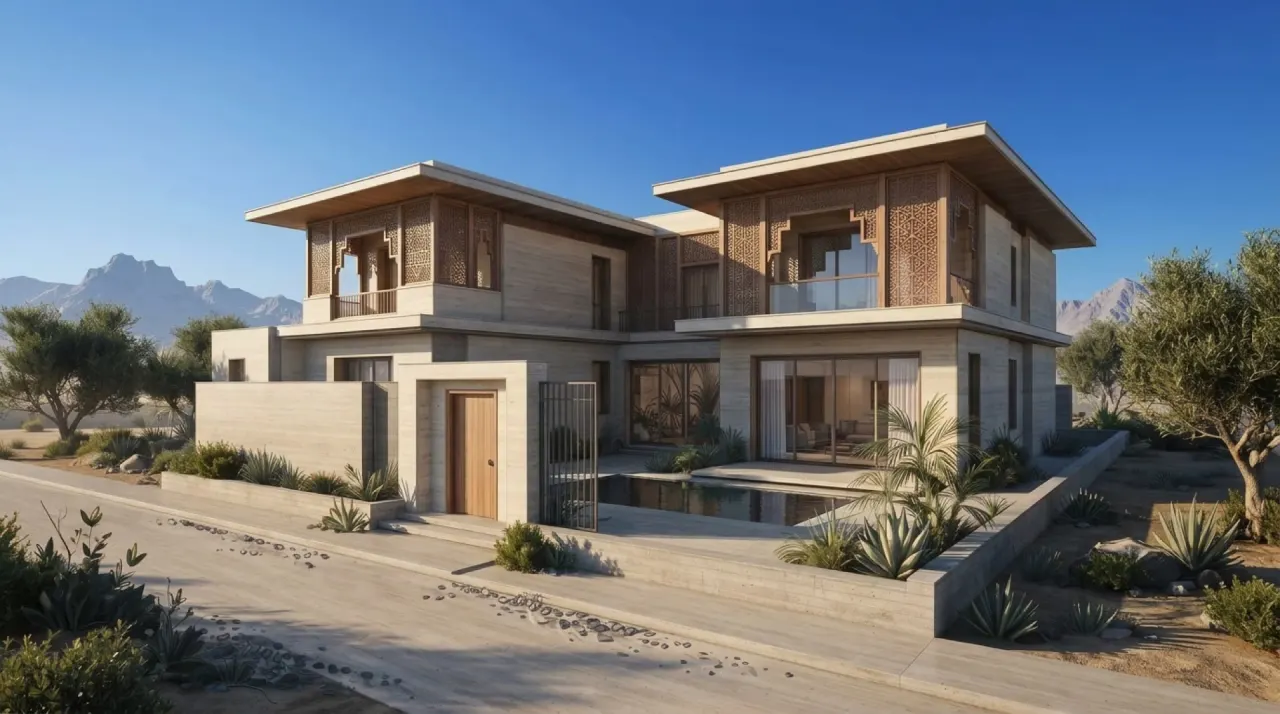
Villa at dawn
Dawn
Villa at midday
Midday
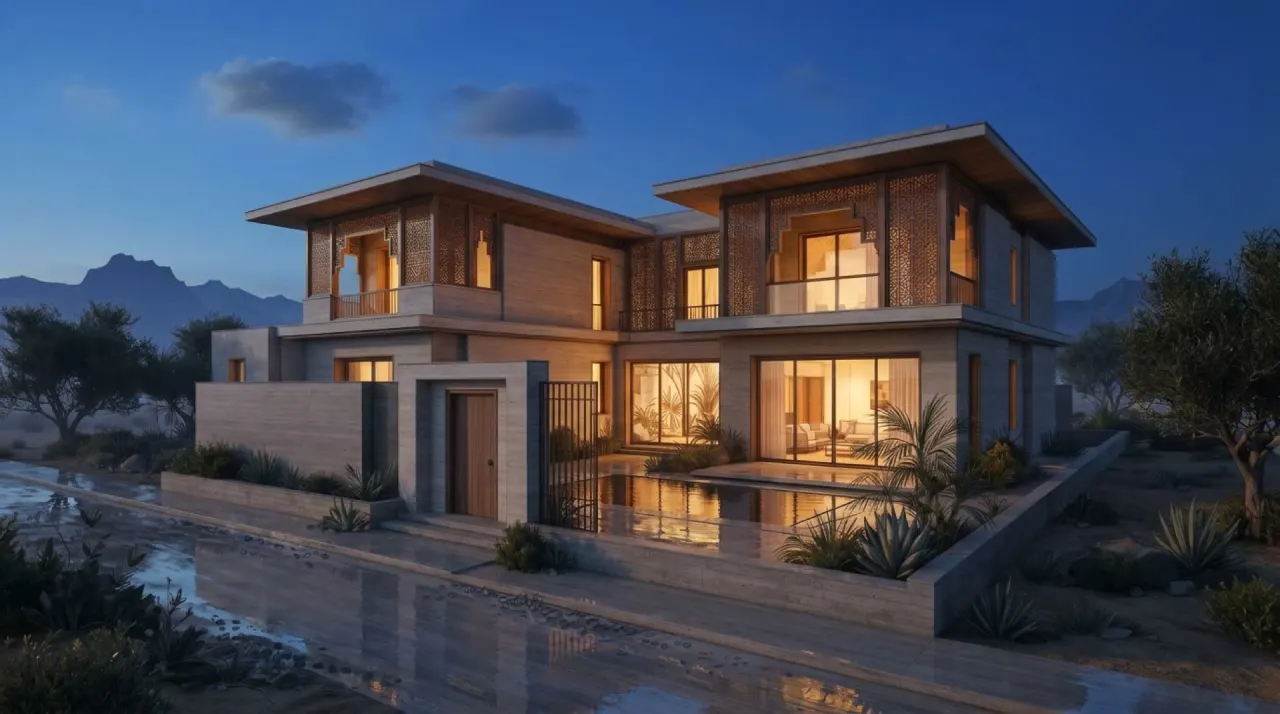
Villa at blue hour
Blue hour
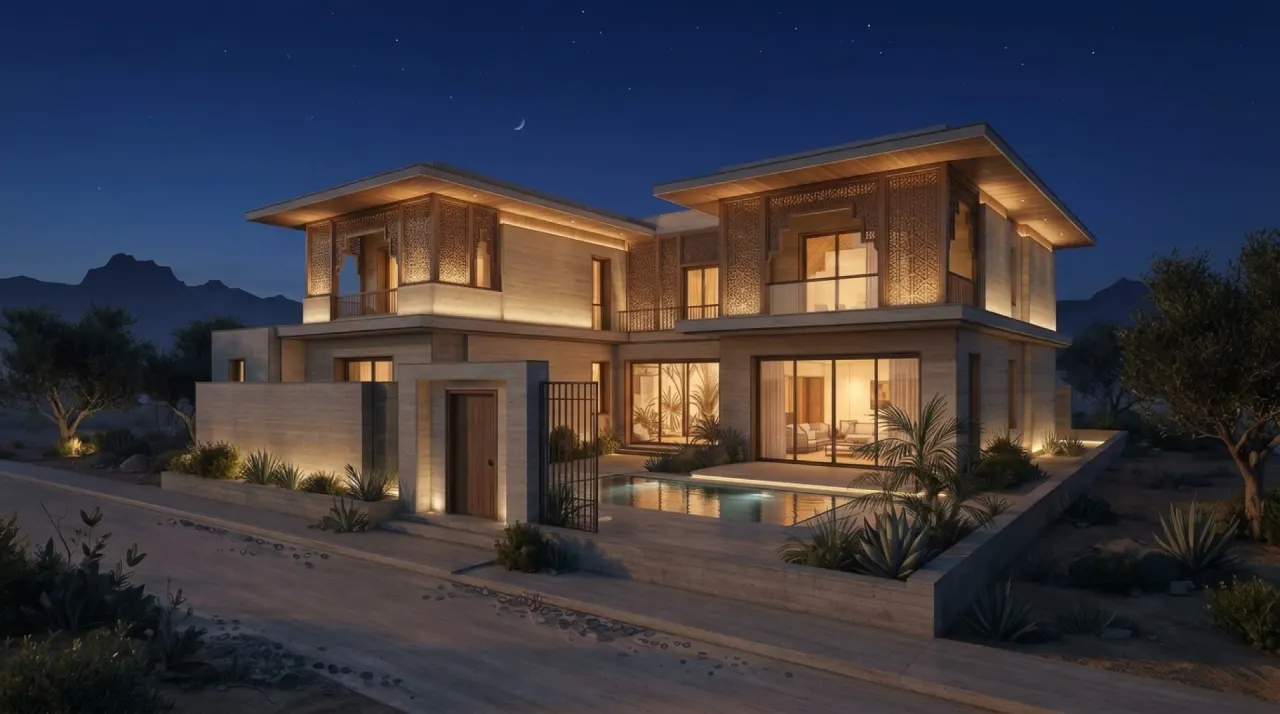
Villa at night
Night

Material swap

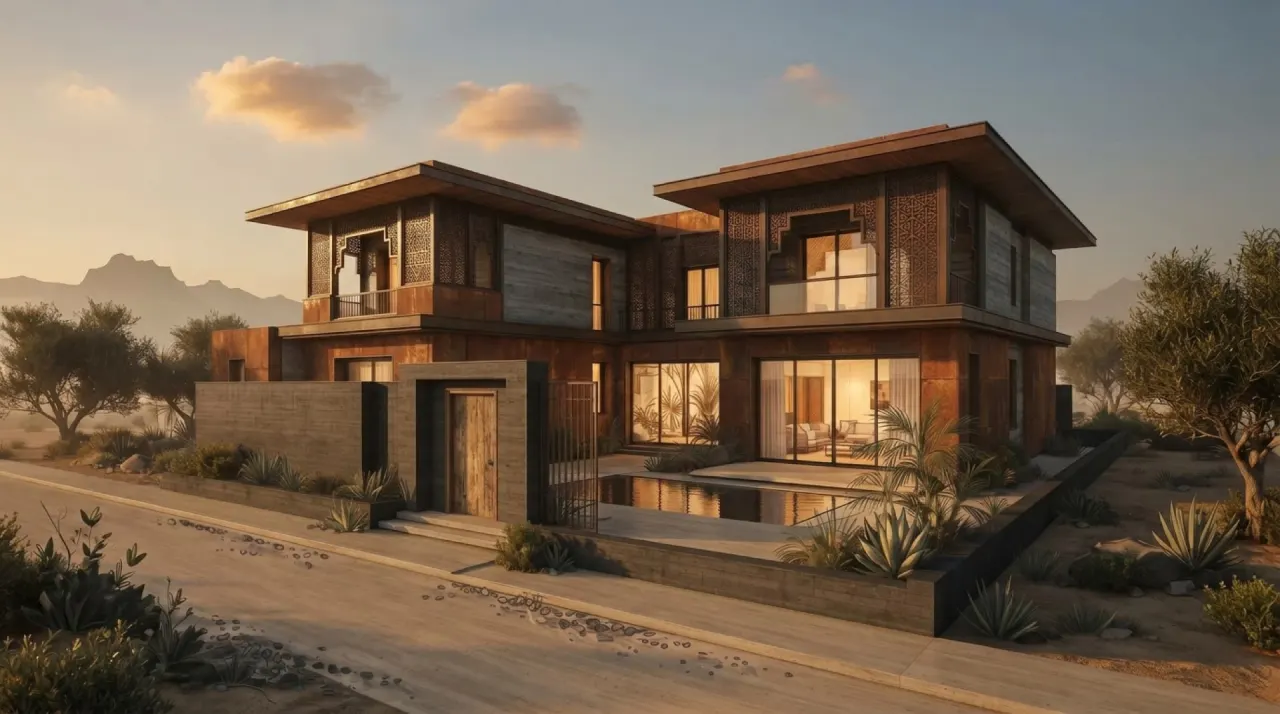
Travertine to corten, in one sentence.

Pin a comment on the façade, say what changes. Compare the edited image with the original to check that the rest of the scene still matches.

Corten + concreteTravertineTravertineCorten + concrete

Geometry

Keep your design in view.

Material edits in the 3D workspace keep the model’s geometry. AI image and video generation can reinterpret it, so reference comparison stays part of the workflow.

Strict adherence by default
Reference-driven tools ask the engine to preserve the design. AI can still change details; inspect each result against the source.
Compare on every result
Compare the reference and result to check openings, proportions and other details before presenting.
Your files stay yours
Organised in your workspace. Review file access, provider processing and deployment controls on our Security page.
One design language per project
Reuse the project’s style, materials, palette, site and lighting in your prompts. Review outputs for consistency.
Honest by design
Concept visuals, clearly labelled. Nothing here is for construction.

Geometry adherence

StrictBalancedLoose

Strict asks the AI to preserve massing, openings, roof lines and camera. It is a prompt setting, not a geometry lock or a substitute for checking the result.

On every result

Compare slider, reference over result.

Compare the result with its reference. Check carefully, make corrections and keep the source model as the authority for dimensions and geometry.

Plans for your practice

Start a project.
Grow your practice.

From independent designers to a shared studio.
Choose the room you need to create.

All prices in USD

Start here

Free

$0 / month

Your first project starts here.

  • 74 welcome AI creditsOne-time allowance · expires after 11 days
  • Up to 2 trial AI 3D models totalModels, renders and videos share those credits.
  • 2 active projects · 1 GB uploadsTry the sample room or bring your own model.
Start free

No credit card required.

Upgrade when you need more.

Keep creating after the welcome credits expire. Model imports, walk mode, finish edits, material schedules and saved versions stay available.

Starter

1 seat included

Your everyday design studio.

$59/ month

Billed monthly · cancel any time

1,000 AI credits / month

For your mix of renders, video and 3D.250 Nano Banana 2 renders at 2K (4 credits each), if all credits go to this preset.

The essentials, with more capacity

  • HD AI 3D models
  • 2K renders · 10-second clips
  • 3 active projects · 25 GB uploads
  • 2 generations at once
Get Starter

For one independent designer

Scale

6 seats included

More room for your team. All Pro tools, a shared library and one credit pool.

$679/ month

Billed monthly · $113.17 per seat · cancel any time

Save $215 / month vs 6 separate monthly Pro plans.

Monthly billing only. Seats include the workspace owner.

17,300 shared AI credits / month

2,800 per seat + 500 extra shared credits every month.4,325 Nano Banana 2 renders at 2K (4 credits each), if all credits go to this preset.
  • All Pro features, including 4K renders and premium video engines
  • Personal recipes and a team library with admin publishing
  • 10 active projects · 100 GB uploads per workspace
  • 4 generations at once per workspace

One shared AI credit balance. Costs vary by model and settings; Agent planning uses additional credits. See your quote before generating. No automatic overage charges.

In every plan, including Free

  • Model imports & walk mode
  • Finish edits & material schedules
  • Private files & saved versions
These tools do not use AI credits.
What can I make? Explore your credit mix

Explore a design, refine the visual, and prepare a stronger client presentation. One balance covers your creative tools. See the exact cost before you generate.

2,800 shared credits · proposed allowance

4K needs Pro or above; 15-second clips need Pro or above. These estimates do not change your plan’s access. Both 3D examples include the required 28-credit separation step; generated parts still need review.

Renders

4 credits each

Up to 700 if used only here

3D from an image

48 credits each

Up to 58 if used only here

3D from a brief

44 credits each

Up to 63 if used only here

Video clips

35 credits each

Up to 80 if used only here

246 credits in this mix. 2,554 credits left.

The full-pool counts are alternatives, not a combined bundle or a promise of successful results. Monthly grants and plan limits still apply. This calculator never starts a generation or spends credits.

ArchiStudio Enterprise

One shared studio.
Room to work your way.

Bring your team’s knowledge into one place. Share useful prompts, source images and proven setups, then let each person adapt them for their own project. Choose Scale for 6–20 people, or Enterprise for a tailored rollout and agreed capacity.

For architecture practices, interior & fit-out studios, and developer design teams.

Your standards, across every project.
Save personal recipes from your work, submit the useful ones for review, and let an admin publish them to Team library. Reuse a setup in another project without changing the original. Your existing workspace files keep their current access.
Capacity that fits your practice.
Agree seats, shared AI credits, storage and project capacity around the people and work you actually have. One proposal makes the allowance and costs clear.
A rollout shaped around your team.
Scope onboarding, training and integrations around your existing tools. Agree the delivery, support and any custom work before committing.

A proposal with the details in place.

Your quote separates subscription capacity from any setup or custom work. Deployment and support terms are agreed before you buy.

Review security & file access

Company SSO is not available in this release.

Compare every feature Compare features and limits

Scroll across to compare the plans.

ArchiStudio plan features and limits
What you getFreeStarterProEnterprise
AI credits74 once · 11 days1,000 / month2,800 / monthAgreed allowance
AI 3D generation2 trial models totalUp to 20 standard models / monthUp to 58 standard models / monthFrom your agreed credit pool
Model imports, walk mode & finish editsIncludedIncludedIncludedIncluded
Material schedules & CSV exportIncludedIncludedIncludedIncluded
Private files, autosave & version historyIncludedIncludedIncludedIncluded
Render resolution2K2K4K4K
Video clip length5 seconds10 seconds15 seconds15 seconds
Premium video enginesPro and abovePro and aboveIncludedIncluded
HD 3D textures & smart meshStarter and aboveIncludedIncludedIncluded
Reusable material library, boards & launch packsPro and abovePro and aboveIncludedIncluded
Included seats111By agreement
Seat options1 seat1 seat1, 3 or 5 seats (multi-seat billed monthly)By agreement
Active projects2310By agreement
Upload storage1 GB25 GB100 GBBy agreement
Client-grade jobs at once12416
House styles—11By agreement
Sequence stops / site radius3 / 250 m5 / 250 m7 / 400 m7 / 400 m

Company SSO is not available in this release. Enterprise capacity and service terms are confirmed in your proposal.

How credits work Usage examples, top-ups and the details

Renders, videos and AI 3D models share one credit balance. Examples assume you spend the entire allowance on that output; they are not separate bundles. Paid plans have no extra model-count cap. Uploads, the sample room, finish edits and saved versions do not use AI credits or trial model slots.

Starter · 1,000 credits / month

250 Nano Banana 2 renders at 2K
or 20 standard 3D models
or 28 Kling 3.0 standard clips of 5 seconds

Pro · 2,800 credits / month

700 Nano Banana 2 renders at 2K
or 58 standard 3D models
or 80 Kling 3.0 standard clips of 5 seconds

Example: Nano Banana 2 costs 4 credits at 2K or 6 at 4K on Pro and above. Other models, settings and Agent planning can cost more or less. Standard image-to-3D costs 48 credits, including automatic object separation; other model options cost 36–64. AI draft pricing depends on the selected engine. All new subscriptions meter AI usage, and the price is shown before generation. Failed generations are refunded.

Need more credits?

Top-ups never expire. They keep your plan’s feature limits and do not add Free trial model slots. No automatic overage charges.

Site, Drawings and software bridges are free. Need help creating a presentation set? Discuss a separately quoted service.


Prices shown in USD. Charge currency, applicable taxes and the total are confirmed before payment.

Questions

Straight answers.

What is ArchiStudio?

ArchiStudio is a browser-based AI studio for architects, interior designers and fit-out studios, made by iSkale Group in Dubai. One project holds your 3D model, finish options, material schedule and the AI presentation visuals you make from it: renders, variants and short walkthrough clips. It is in early access.

Does it keep my geometry?

Editing a finish on an existing 3D object keeps its geometry. AI renders and films are generated interpretations: strict adherence asks the engine to preserve the source but cannot guarantee it. Compare every output before presenting.

What can I drop in?

Use GLB, glTF, FBX, OBJ or STL models in the 3D workspace, with textures packaged in a ZIP where needed; IFC has a separate import flow. For AI image tools, use sketches, screenshots or site photos in JPG, PNG or WebP up to 10 MB.

Which design tools does it connect to?

A viewport capture sends your view from Rhino 8 or 9, SketchUp, Blender 4 or Revit 2023 and later (through pyRevit) into your Library. Any BIM tool that exports IFC, such as Revit, Archicad or Vectorworks, works without a plugin.

How long does a render take?

Timing depends on the engine, resolution and provider queue. Allow a few minutes; complex image, video and model jobs can take longer. You can keep working and check progress in your project.

How much does it cost?

Free gives 74 welcome credits for 11 days. Up to 2 trial 3D generations, subject to your credit balance, with no card needed. Paid plans are Starter at $59, Pro at $149 and Team at $399 a month, or $528, $1,344 and $3,588 billed yearly, with 1,000, 2,800 and 8,000 AI credits a month. Enterprise is by proposal. Prices are in USD.

What do credits buy?

The selected engine and settings determine the price, shown before generation. For example, Render at 2K costs 4 credits. Plan allowances and purchased packs pay for generations; editing model finishes and schedules does not use generation credits. Failed generations are refunded automatically.

Can I use this for permits or construction?

No. ArchiStudio produces concept visuals for design development and client communication. Nothing it makes is a construction document.

Who can see my projects?

Workspace access is restricted to members, with expiring links for private files. Anyone you give a link or download to can share it. Generation sends selected references and prompts to third-party providers; review the Privacy and Security pages for processing and training limits.

Where are my files stored, and is my content used for training?

Projects, uploads, generated outputs and the credit ledger are stored in a Supabase project hosted in Frankfurt; app delivery and AI processing can happen in other regions. ArchiStudio does not use your project content to train its own models. Provider retention and training terms vary; the Security page lists the providers.

Your next client meeting, rendered tonight.

Start free: 74 credits